Getting Started is Easy
From download to daily insights in under two minutes. No manuals, no setup guides — just you and your baby.
Download & Create a Profile
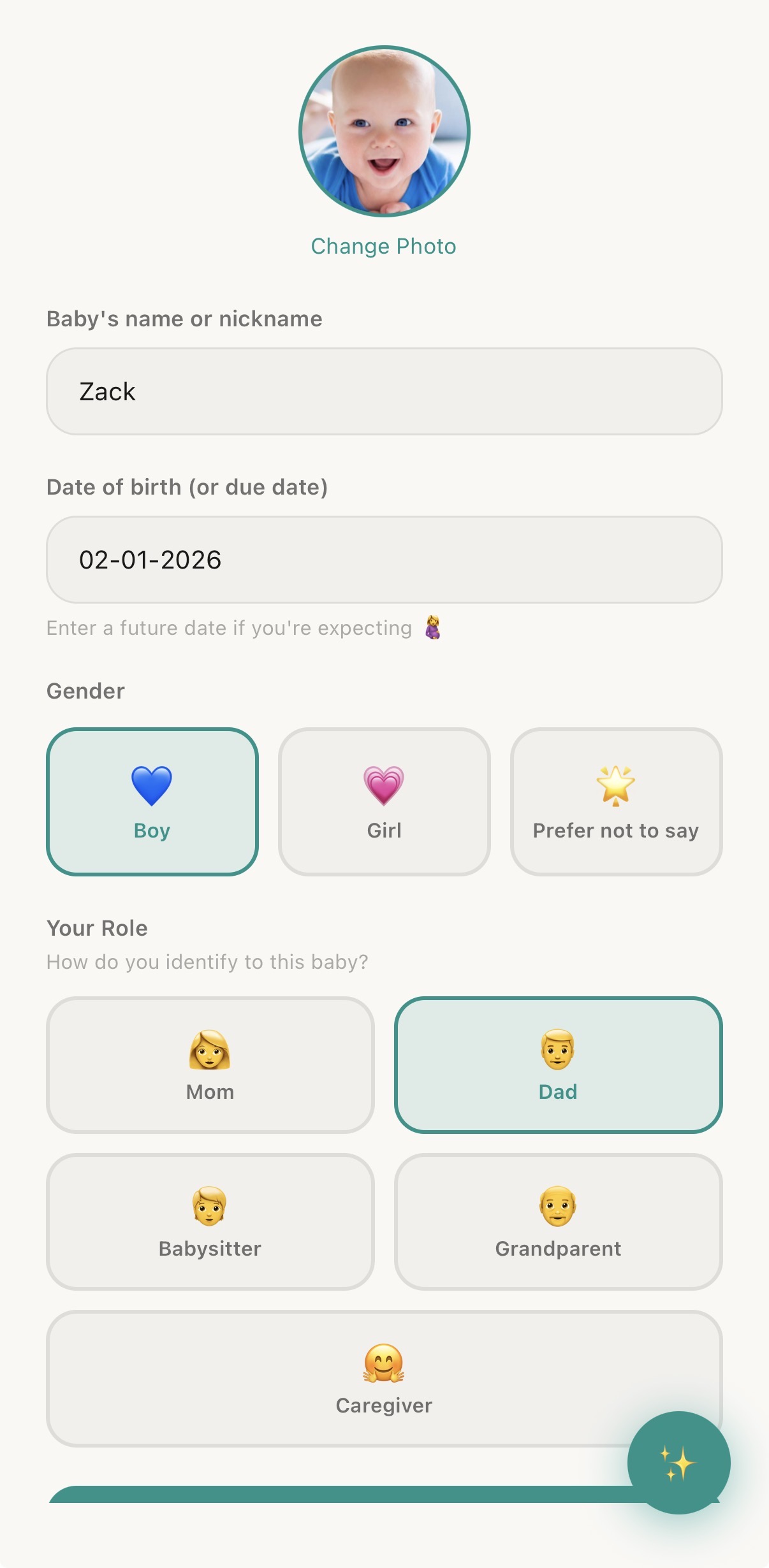
Grab Wrenli from the App Store. Open the app, add your baby's name, birthday, and gender — that's it. Your personalized dashboard is ready in seconds.
Want to bring in your partner or the grandparents? Send them an invite right from the app. Everyone gets their own account, connected to the same baby.
Log Naturally
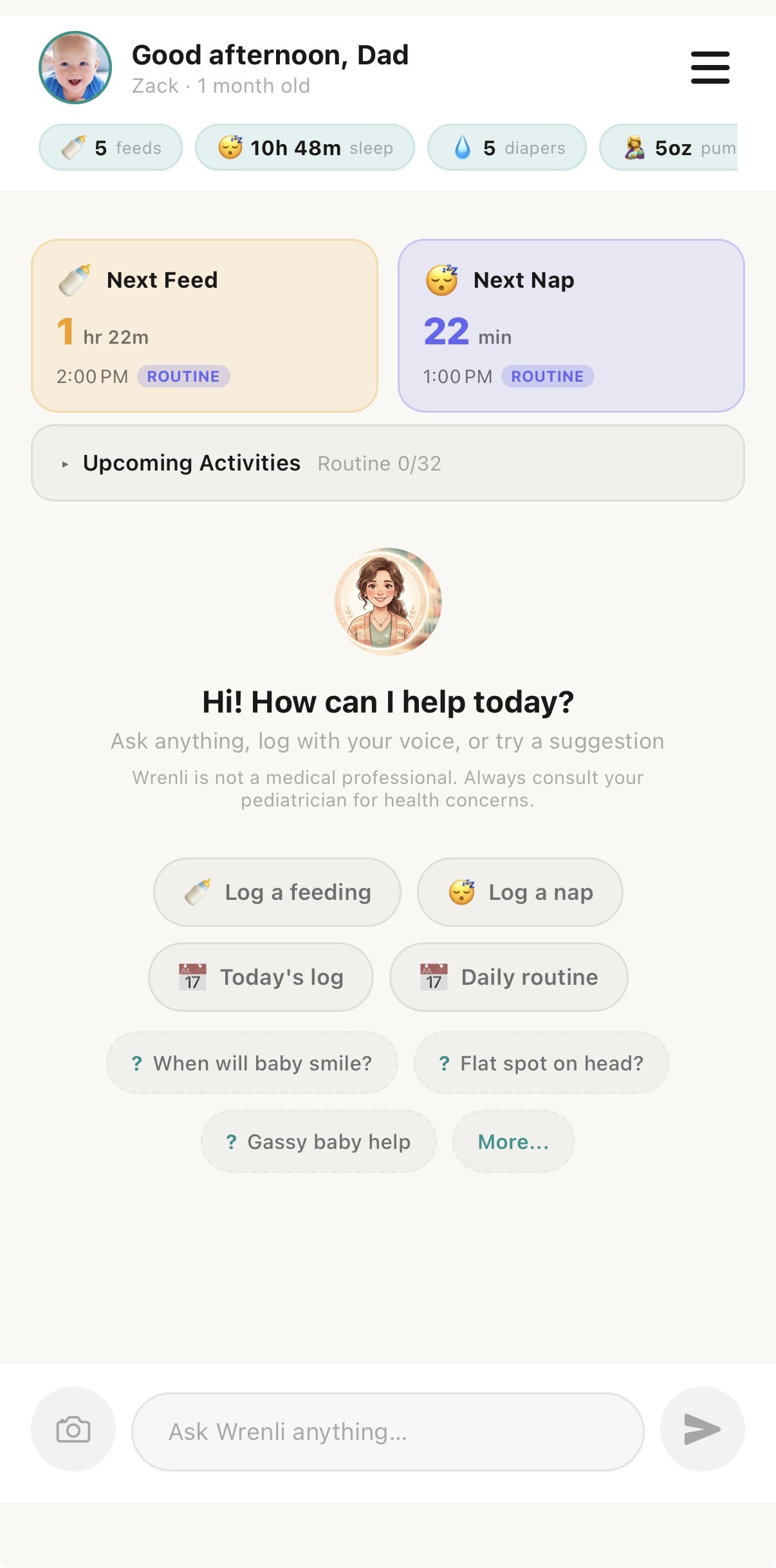
Wrenli's built-in AI assistant is always one tap away. Forget complicated forms. Just tell Wrenli what happened in plain language: "She just had 4oz of formula" or "Nap ended at 2:15." Wrenli understands and logs it instantly.
Prefer buttons? Quick-log tiles let you tap to record feeds, diapers, sleep, and medicine in a single touch. Or use your voice — just speak and Wrenli logs it hands-free. Use whichever way feels natural in the moment.
Wrenli Learns Your Baby
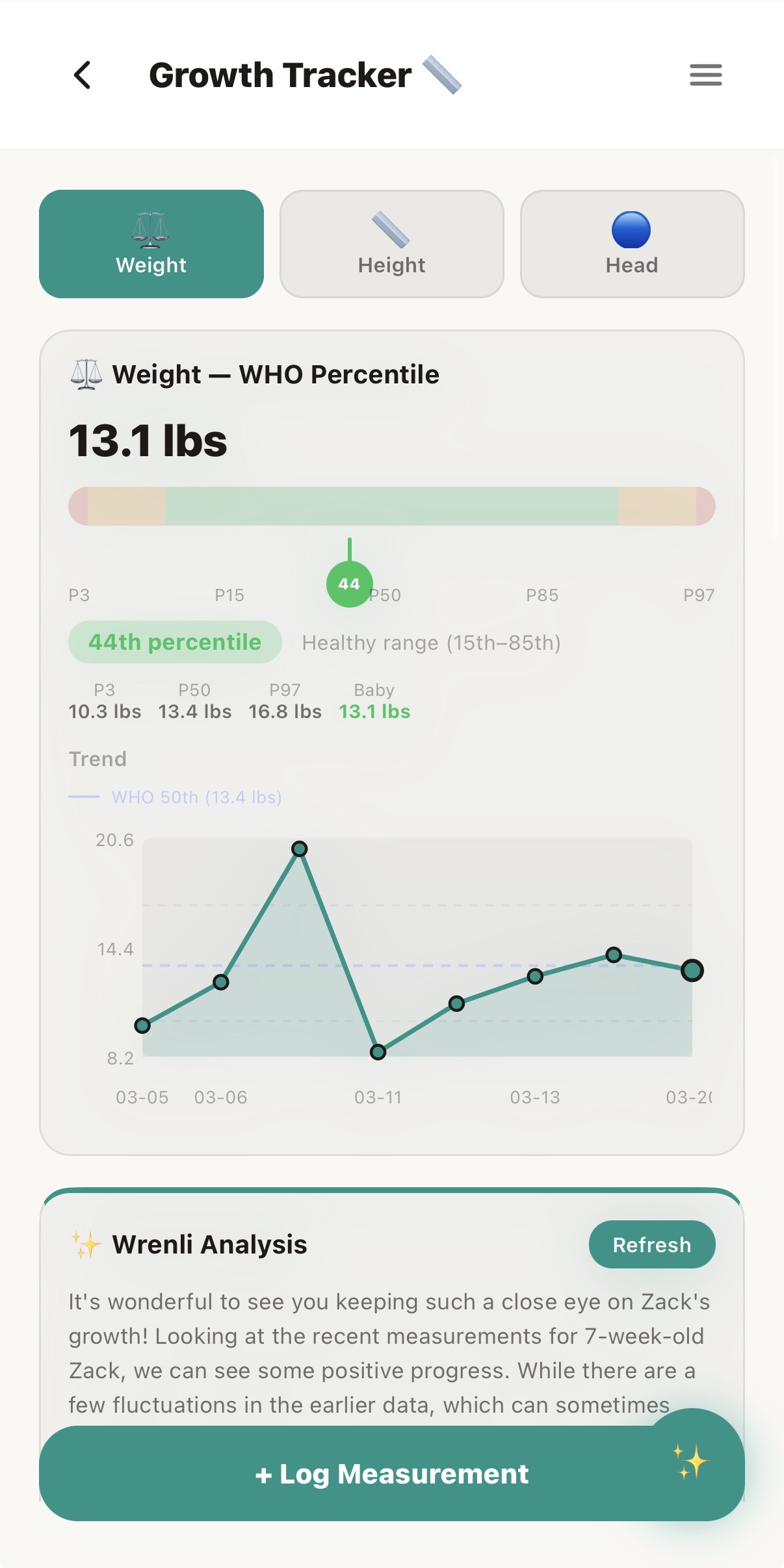
As you log, Wrenli's AI starts learning your baby's unique patterns. It predicts when the next nap window opens, spots feeding trends, and tracks developmental milestones — all automatically.
Ask questions anytime: "How much did she eat today?" or "Is her sleep schedule normal for 4 months?" Wrenli gives answers grounded in your real data.
Share with Family
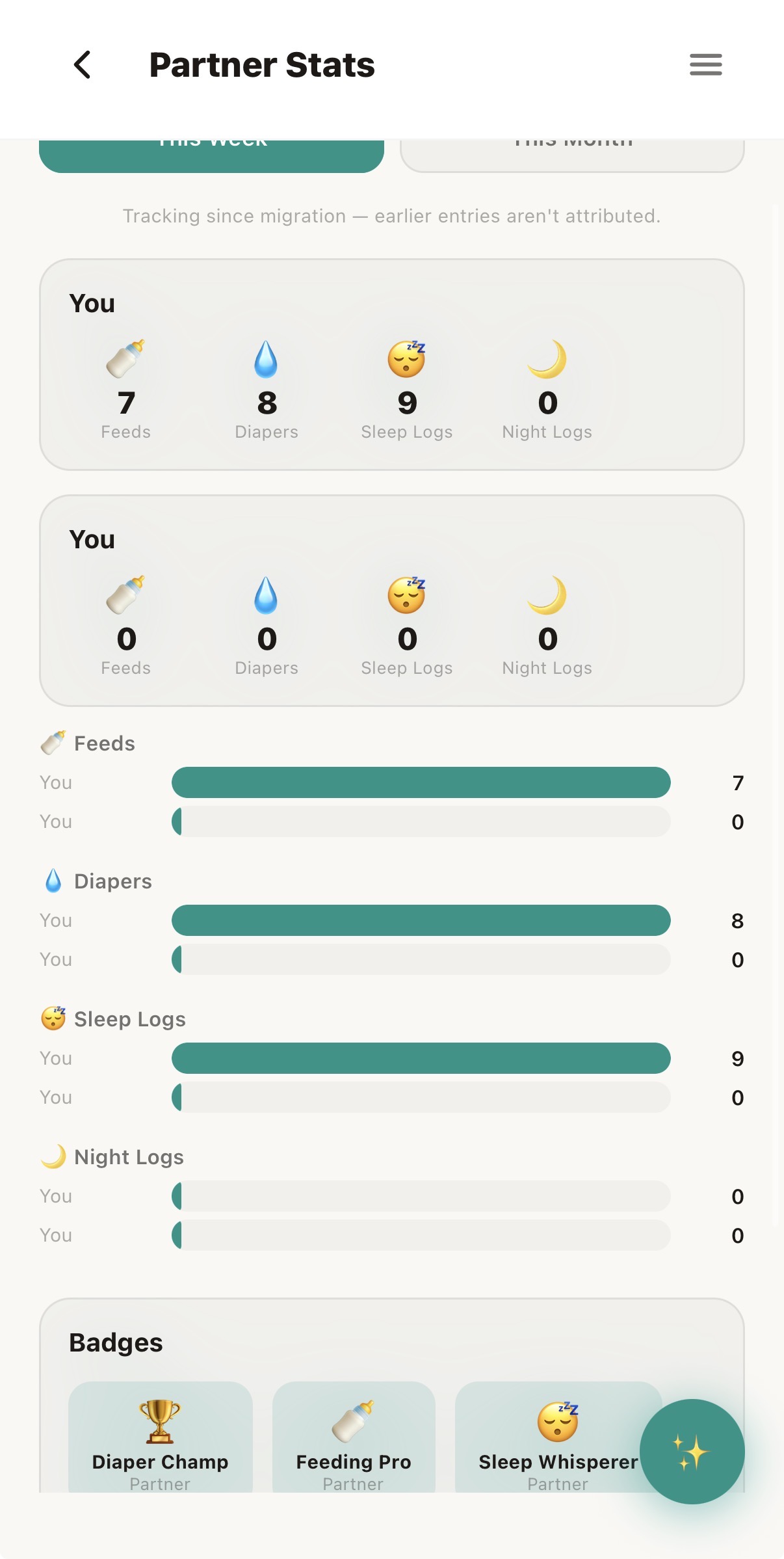
Parenting is a team effort. Invite your partner, grandparents, nanny, or anyone in your circle. When dad logs a bottle at 3 AM, mom sees it instantly. When grandma watches the baby, she knows exactly when the last nap ended.
Role-based permissions mean everyone sees what they need — and nothing they don't. Your baby's data stays private to the people you trust.
Ready to get started?
Download Wrenli today — designed to be the calmest app on your home screen.